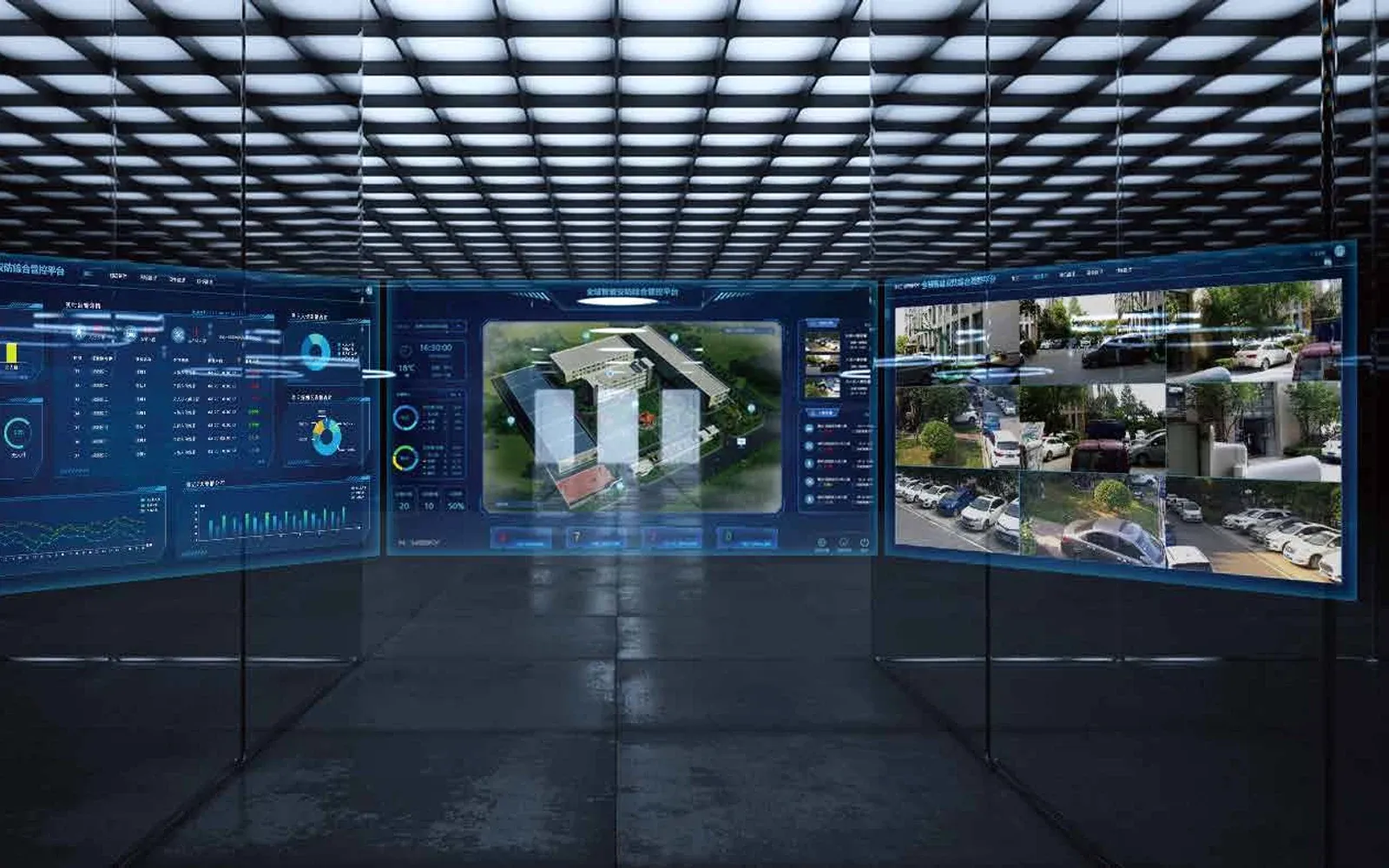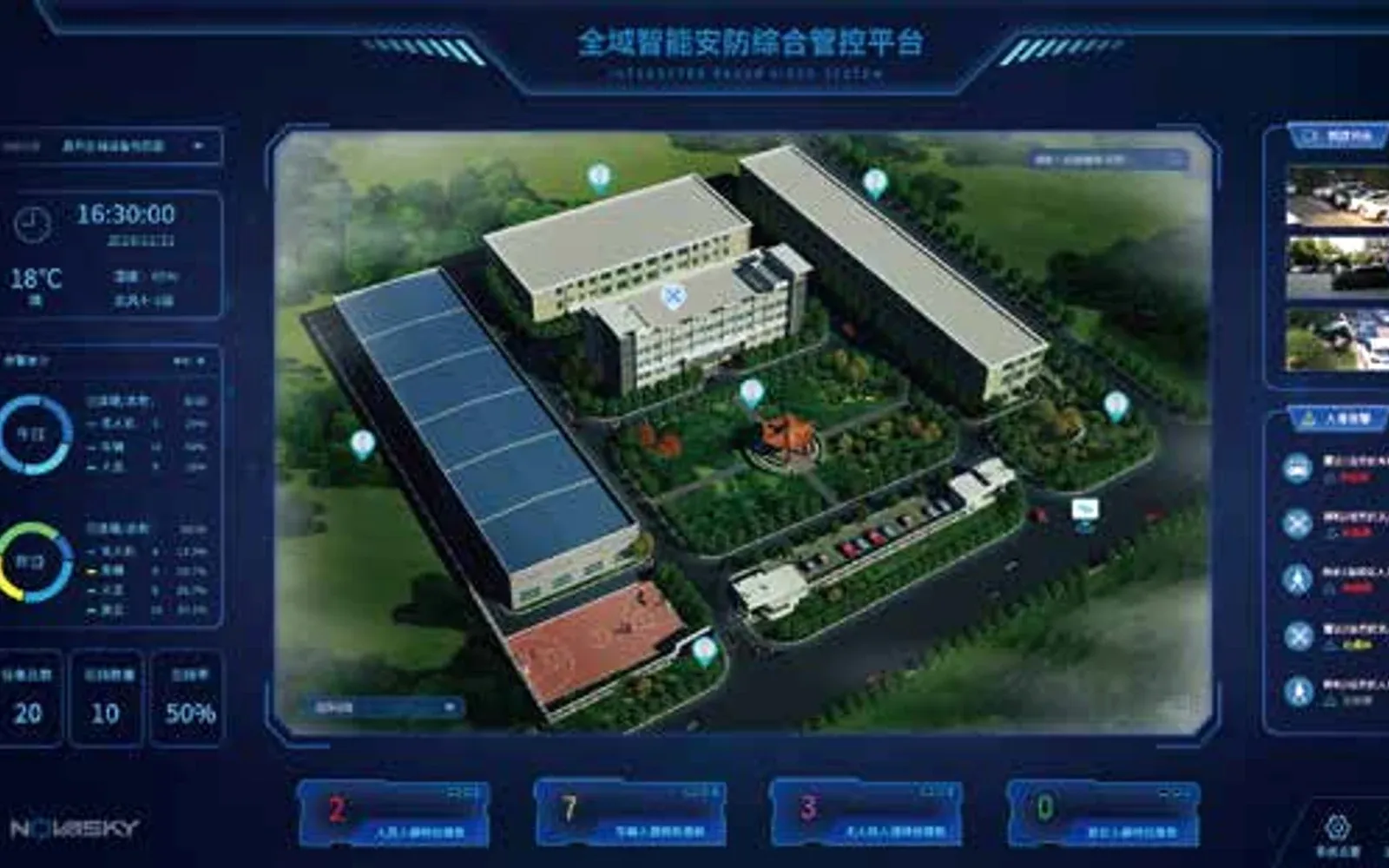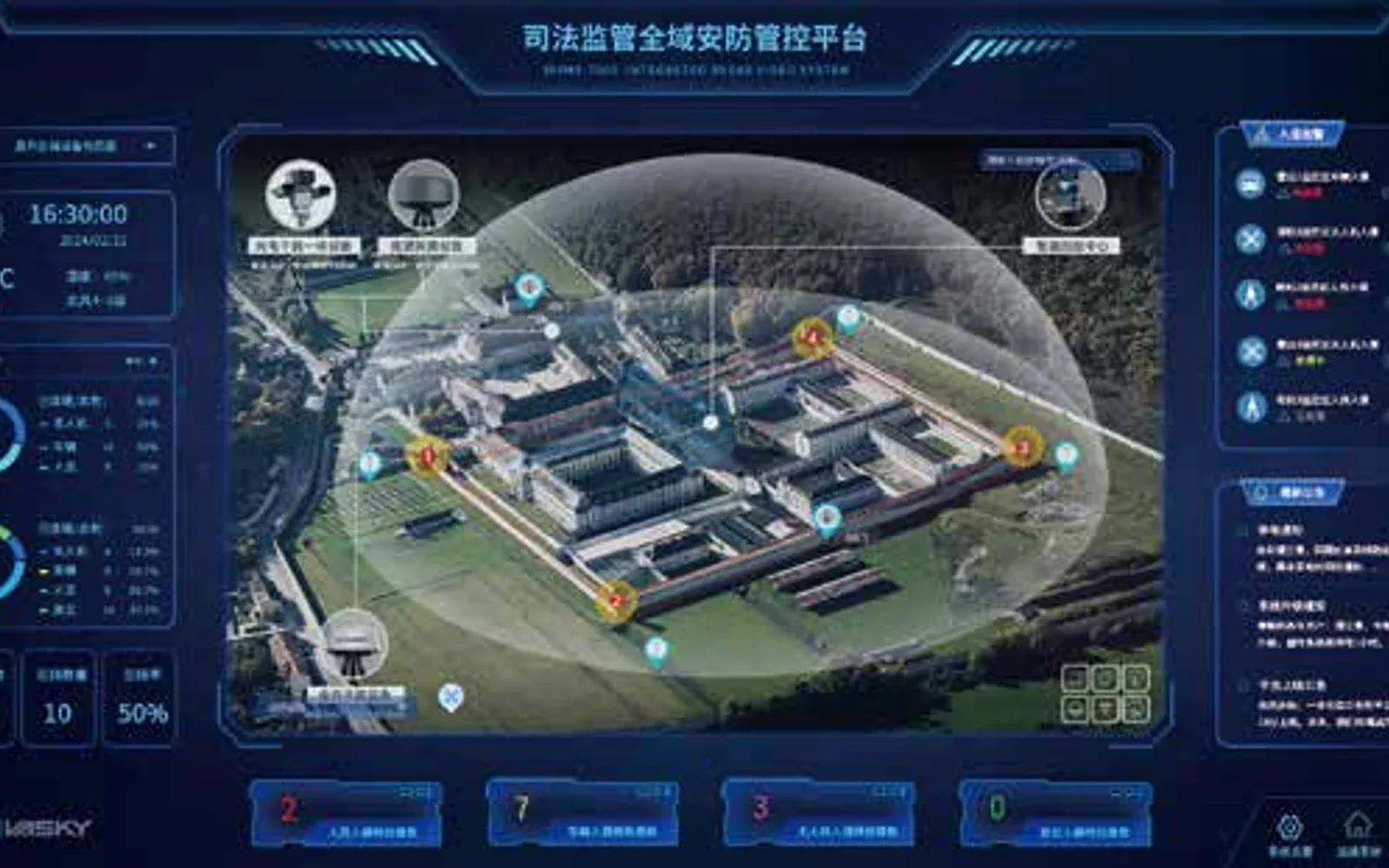
True multi-sensor security integration means much more than simply viewing every connected device on a single unified screen. A rigorous integrated security platform checklist must begin by defining a shared, comprehensive sensor fusion event model that normalizes and translates disparate alarms across completely different hardware systems. Long before building an expensive security command and control platform dashboard, facility teams must fully agree on precise event semantics, incident ownership, and structured degraded-state procedures. This ensures that when critical sensors inevitably fail, operator responses remain confident and are never left ambiguous or improvised during a crisis.
Table of Contents
- Integration Fundamentals
- Integration begins with a common event language
- Identity and time hold the record together
- Resilience and Workflows
- Design for degraded operation
- Commission workflows, not screenshots
- Lifecycle and Governance
- Put every connector under lifecycle control
- Resolve retention and access per evidence type
- Use a site acceptance matrix
- FAQs
Integration Fundamentals
Integration begins with a common event language
Radar tracks, access-control alarms, analytics, video and equipment-health messages do not arrive with the same assumptions. One system may use “critical” for confidence; another may use it for operational consequence. If the platform simply forwards both labels, the dashboard looks integrated while the response remains ambiguous.
Create an event dictionary before connector work begins. For each event, document the source, identifier, timestamp, location, confidence, severity, associated evidence, acknowledgement state and owner. The integrated security management platform guide and current product catalog are useful starting points for scoping the platform, but the event model must be specific to the site.
If the project has not yet decided whether it needs another orchestration layer, first use the PSIM vs VMS selection guide to separate video management, cross-system physical response, cyber operations and case ownership.
| Integration object | Minimum definition | Acceptance question |
|---|---|---|
| Event | Source, type, time, location and confidence | Can two systems interpret it the same way? |
| Asset | Stable identifier, owner and operational state | Can an alarm be tied to the affected asset? |
| Identity | Person, role, authentication and privilege | Is every action attributable and appropriate? |
| Evidence | Image, clip, track, checksum and retention rule | Can the incident be reconstructed later? |
| Health | Device, connector and network state | Does the operator know when awareness is degraded? |
Identity and time hold the record together
A shared login is not an integration strategy. Roles should match operational duties, and privileged administration should be separated from routine monitoring. Connector accounts need owners, rotation procedures and the minimum permissions necessary.

Time synchronization is equally important. A radar track, access event and video clip can describe the same incident but appear unrelated when clocks drift or timezone handling differs. Specify the authoritative time source, acceptable offset and behavior during loss of synchronization.
Resilience and Workflows
Design for degraded operation
Operators need to see when a sensor, connector, storage path or map service is unavailable. A silent failure can be worse than a clear alarm because it creates false confidence. Define which workflows remain available locally, what is queued, what is lost and who is notified.
This is where the NIST Cybersecurity Framework 2.0 is useful as a governance frame: the project should cover identification and protection as well as detection, response and recovery. The framework does not select the product; it helps expose operational work that a dashboard-only specification misses.
Commission workflows, not screenshots
Acceptance should run representative incidents from source to closure. Test normal alarms, duplicate reports, conflicting sensor confidence, network loss, evidence export, user removal, backup restoration and configuration rollback.
For a critical infrastructure protection architecture, include existing VMS, access and cyber boundaries. In a smart transportation architecture, test high event volume, time correlation and privacy-controlled evidence access.
The result should be a configuration record, connector inventory, event dictionary, role matrix, network diagram, backup plan and tested recovery procedure. Supporting source and documentation practices are maintained in the OMNI UXV knowledge hub.
Lifecycle and Governance
Put every connector under lifecycle control
For each integrated system, name the business owner, technical owner, protocol, version, authentication method, network path, certificate or credential rotation, expected event volume and support boundary. Record which side is responsible when a field changes or a connector stops. Without that ownership, a minor vendor upgrade can silently remove events or break evidence links.
For camera and analytics interfaces, the ONVIF Profile T and M integration guide shows how to check exact product versions, required device/client functions and the Profile S migration boundary. A profile label does not replace an end-to-end event test.
Use a controlled development and test path before production. Synthetic events are useful for basic mapping, but final validation should include representative source-system events and failure conditions. Keep a rollback plan and a known-good mapping so the site can recover when an update behaves differently.
| Connector control | Evidence to retain |
|---|---|
| Interface baseline | Protocol, schema, endpoint, version and field mapping |
| Security | Account owner, permissions, certificate and rotation procedure |
| Health | Heartbeat, queue depth, last event and error visibility |
| Change | Request, test result, approval, deployment and rollback record |
| Support | Vendor boundary, escalation path and diagnostic package |
Resolve retention and access per evidence type
Tracks, alarm metadata, access records, still images and video may have different operational and legal requirements. Define retention, export permission, masking or redaction, legal hold and deletion for each type. The platform should not extend retention by copying evidence into an unmanaged location.
Test access with real roles. An operator may need to see a live image without permission to export it; an investigator may need a preserved incident package; an administrator may manage connectors without viewing sensitive content. Audit logs should capture search, view, export and configuration actions appropriate to the deployment.
Use a site acceptance matrix
List representative workflows down one axis and operating conditions across the other: normal, high event volume, source unavailable, network interrupted, storage constrained, user removed and restored from backup. For each cell, define the expected operator view, queued or lost data, notification, recovery and evidence.
Run the matrix with the people who will own the system after handover. Acceptance is complete when they can recognize degraded awareness, follow the documented workaround, recover service and explain the resulting record. This is a better measure of integration quality than the number of logos shown on a dashboard.
Before issuing the platform RFP, use the physical security software buyer’s guide to normalize licenses, connector labor, proof-of-capability scope and five-year lifecycle cost; then use this checklist to control delivery.
FAQs
Why define the event model before building a security dashboard?
A shared event model resolves differences in identifiers, time, location, confidence, severity, evidence and ownership. Without it, one screen can hide incompatible meanings and workflows.
What should operators see during degraded operation?
Show sensor, connector, network, storage and map-service health; state what remains available, what is queued or lost, who is notified and which reduced-capability procedure applies.
How should an integrated security platform be accepted?
Run representative workflows from source to closure under normal, high-volume and failure conditions, including user removal, evidence export, backup restoration, rollback and recovery.